
What will you learn?
SEO score gives you a quick view of how well your website follows important search optimization practices. However, one score does not tell the whole story. You also need to check page speed, mobile usability, technical errors, content quality, links, and other ranking factors.Fortunately, several free tools can help you review these areas without paying for an expensive SEO platform. In this guide, we’ll look at useful free tools, what each one checks, and how to use their reports to improve your website.
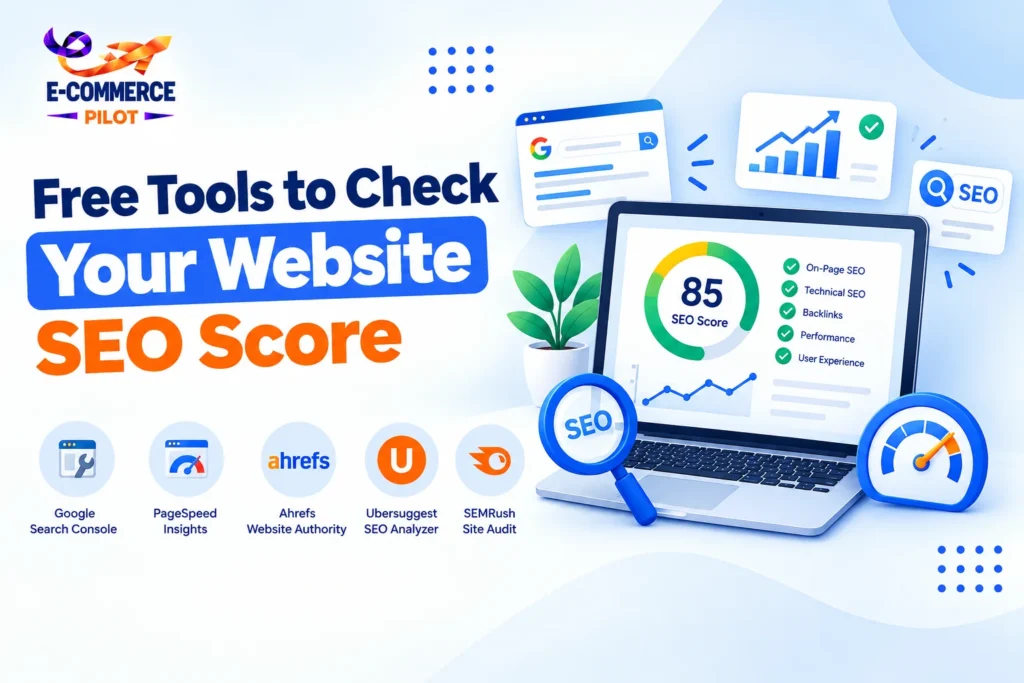
Free Tools to Check Your Website SEO Score
Free SEO tools can quickly identify common problems that may affect your website’s search performance. Although each platform uses different checks, they can help you find issues that need attention.
Rather than relying on one score, compare information from several sources. This approach gives you a more complete picture of your website’s technical health and content quality.
Google Search Console
Google Search Console is one of the most useful free tools for website owners. It provides information directly related to how Google finds, crawls, indexes, and displays your pages.
You can also monitor search queries, clicks, impressions, indexing issues, and Core Web Vitals. Therefore, it is useful for tracking real search performance rather than relying only on a third-party score.
- Check indexed pages
- Find indexing problems
- Review search queries and clicks
- Monitor Core Web Vitals
- Submit and inspect URLs
Google PageSpeed Insights
Website speed affects usability, especially for visitors using mobile devices. Google PageSpeed Insights checks performance and provides recommendations for improving loading speed.
The tool also reports important Core Web Vitals, including loading, responsiveness, and visual stability. As a result, you can identify performance problems that may affect both users and search visibility.
- Check mobile and desktop performance
- Review Core Web Vitals
- Find slow-loading resources
- Identify image optimization issues
- Get technical recommendations
Website SEO Score Tools for On-Page Checks
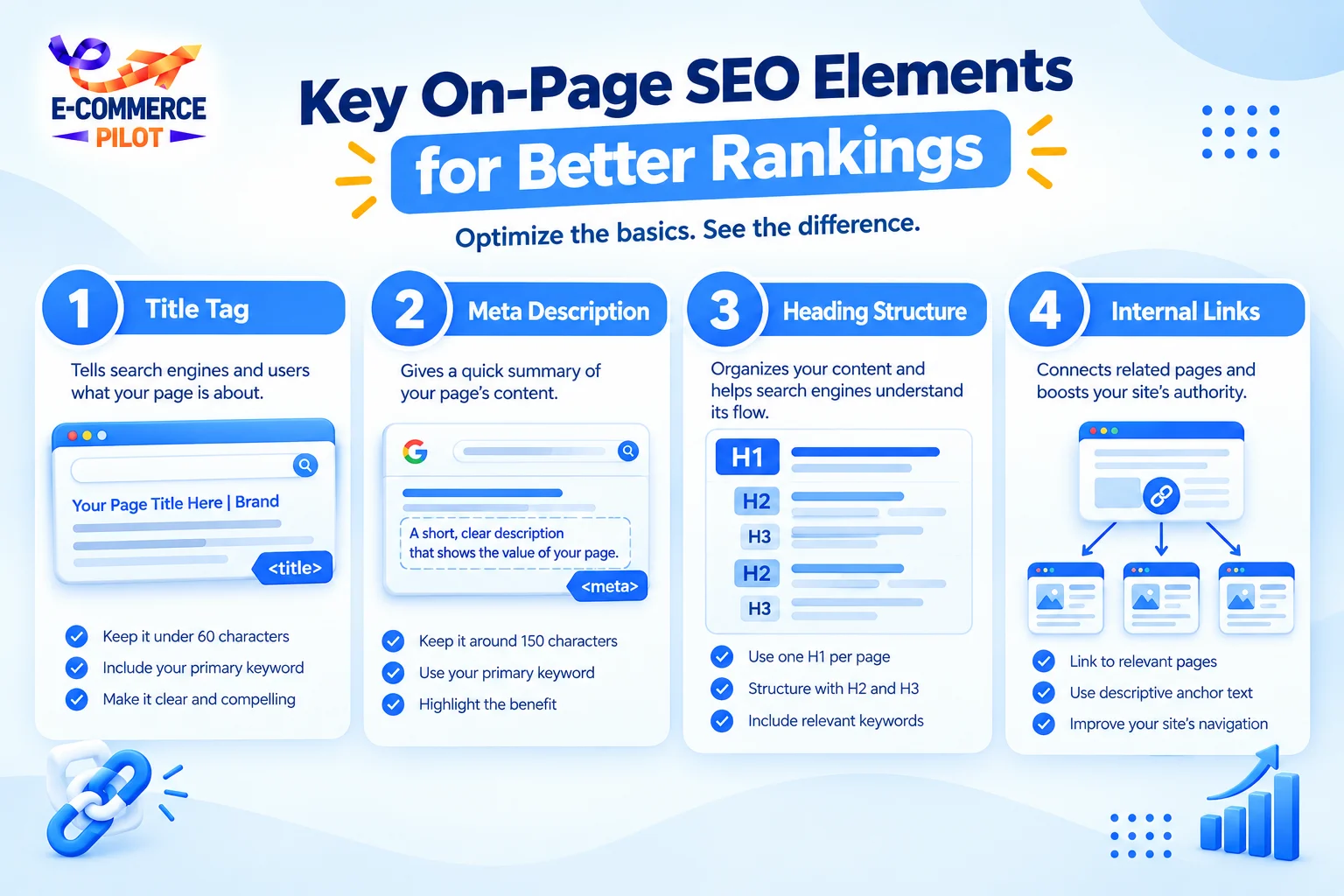
On-page SEO tools can help you review individual pages for common optimization problems. They usually check elements such as title tags, meta descriptions, headings, links, images, and content structure.
These tools are useful when you want a quick page-level review. Still, their scores should be treated as guidance rather than an official Google ranking score.
Ahrefs Webmaster Tools
Ahrefs Webmaster Tools provides free website auditing features for verified websites. Its Site Audit can identify technical SEO issues and provide details about pages that need attention.
For example, it can flag broken links, missing tags, crawl issues, duplicate content, and other technical problems. Consequently, it can help you create a practical SEO fixing list.
- Run website audits
- Find broken links
- Identify crawl issues
- Check page-level SEO problems
- Review technical warnings
Semrush Website SEO Checker
Semrush offers several free SEO checking features that can help website owners review optimization areas. Depending on the tool, you can examine on-page elements, technical issues, keywords, and website performance.
However, free access may have usage limits. Even so, the reports can provide useful starting points when you are reviewing a website.
- Review on-page factors
- Check technical SEO issues
- Analyze keywords
- Find optimization opportunities
- Track important website metrics
Free Tools for Website Speed and Mobile SEO
Speed and mobile usability are important parts of a modern SEO strategy. A website may have strong content, but slow pages can create a poor visitor experience.
Therefore, use performance tools alongside your regular SEO score checker. This helps you separate content problems from technical performance issues.
GTmetrix
GTmetrix analyzes website performance and provides information about loading behavior, page size, requests, and performance opportunities.
It can help you understand which elements make a page slower. For instance, large images, unnecessary scripts, and inefficient resources can increase loading time.
- Analyze page loading
- Review page size
- Check requests
- Find performance problems
- Review loading recommendations
Google Mobile-Friendly Testing
Mobile usability should also be part of your SEO review. Google provides tools and reports that help website owners identify mobile-related issues through Search Console and other Google services.
Since many visitors browse from phones, check whether your pages display properly and remain easy to use on smaller screens.
How to Read Your SEO Score Correctly
An SEO score should act as a starting point, not the final measure of website quality. Different tools use different formulas, so a score from one platform may not match another.
Instead, focus on the actual issues behind the number. Fix problems that affect crawling, indexing, usability, content quality, and page performance first.
Focus on Issues, Not Just Numbers
A high score does not automatically mean your website will rank well. Likewise, a lower score does not mean every part of your website needs major changes.
Review each recommendation based on its importance and relevance to your website.
- Fix critical technical errors first
- Improve slow pages
- Correct missing or duplicate metadata
- Improve weak content
- Strengthen internal linking
- Check mobile usability
How to Improve Your Website SEO Score
Once you finish an SEO audit, create a simple action plan. Start with technical problems because they can prevent search engines from properly accessing or understanding your pages.
Next, review your content, headings, metadata, images, links, and user experience. Finally, monitor your website regularly so new problems do not remain unnoticed.
A useful workflow is:
- Run a technical SEO audit.
- Check website speed.
- Review indexed pages.
- Improve on-page elements.
- Fix broken links and errors.
- Update weak or outdated content.
- Monitor search performance.
Conclusion
Using free tools to check your SEO score can help you find important website problems without investing in expensive software. Google Search Console, PageSpeed Insights, Ahrefs Webmaster Tools, Semrush, and GTmetrix each provide different types of useful information.
However, do not focus only on the final score. Instead, review the specific issues, prioritize technical and usability problems, and keep monitoring your website over time.
Ready to improve your website SEO? Let Ecommerce Pilot audit, optimize, and grow your website with a focused SEO strategy.