
What will you learn?
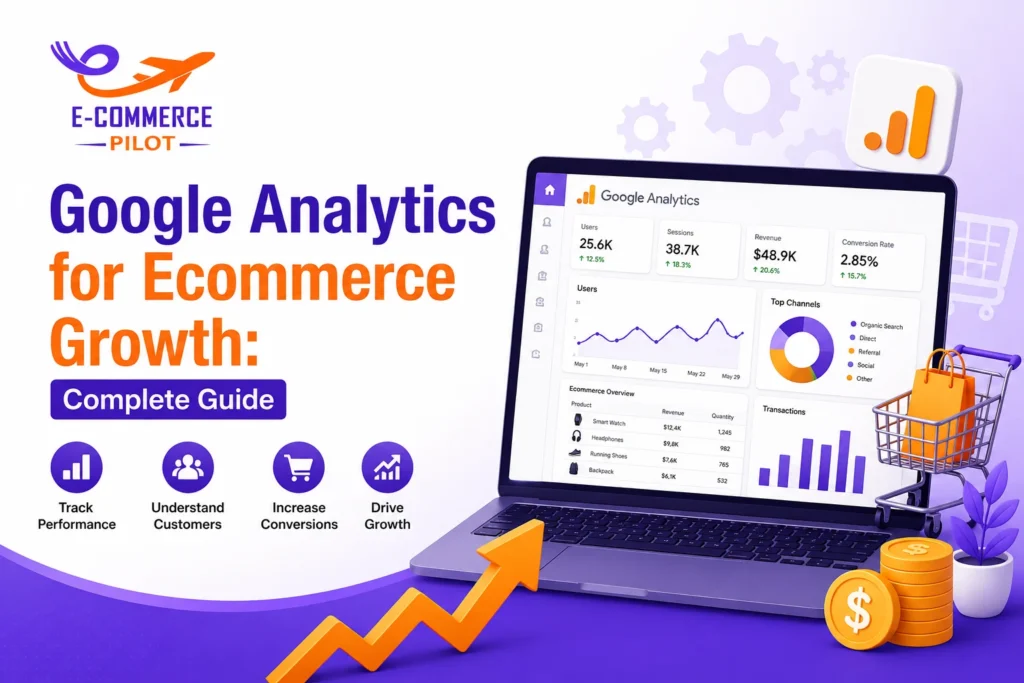
Google Analytics for Ecommerce Growth helps online store owners understand customer behavior, track sales performance, and make better marketing decisions. Without proper data tracking, businesses often spend money on campaigns that do not produce results. Therefore, using analytics correctly can help you improve conversions and increase revenue.
In this guide, you will learn how to use Google Analytics for Ecommerce Growth step by step. Additionally, you will explore important reports, metrics, and practical strategies that help online stores increase sales and improve customer retention.
What Is Google Analytics and Why It Matters for Ecommerce
Google Analytics is a web analytics platform that tracks website visitors and their actions. It helps ecommerce businesses understand how users interact with products, pages, and checkout processes.
When used correctly, Google Analytics for Ecommerce Growth provides valuable information about customer journeys and buying behavior. Consequently, store owners can make informed decisions instead of relying on assumptions.
Key Benefits
- Track website traffic
- Measure sales performance
- Monitor customer behavior
- Identify high-performing products
- Improve marketing campaigns
- Reduce conversion barrier
Setting Up Google Analytics for Your Online Store
Before analyzing data, you must configure Google Analytics properly. A correct setup ensures accurate reporting and reliable insights.
Most ecommerce platforms support Google Analytics integration. Therefore, installation is usually simple and quick.
Basic Setup Steps
- Create a Google Analytics account
- Set up a GA4 property
- Install the tracking code
- Connect with your ecommerce platform
- Verify data collection
- Configure important events
A proper setup creates the foundation for future reporting. Otherwise, missing data may affect your decision-making process.
Enabling Ecommerce Tracking
Ecommerce tracking allows Google Analytics to collect sales-related data. Without this feature, you cannot accurately measure revenue, purchases, or product performance.
Therefore, enabling ecommerce tracking should be one of the first tasks after installation.
Important Ecommerce Events
- Product views
- Add-to-cart actions
- Checkout starts
- Purchases
- Refunds
- Promotions clicked
Tracking these events helps you understand how customers move through the buying journey.
Understanding the Ecommerce Dashboard
The ecommerce dashboard displays key performance indicators in one place. As a result, you can quickly assess business performance.
Instead of reviewing multiple reports, store owners can use dashboard summaries to identify trends and opportunities.
Information Available on the Dashboard
- Revenue
- Transactions
- Average order value
- Conversion rate
- Product performance
- User activity
Regular dashboard reviews help you spot changes before they affect overall sales.
Key Metrics Every Ecommerce Store Should Track
Google Analytics provides hundreds of metrics. However, not every metric directly impacts ecommerce growth.
Focus on data that influences sales, customer acquisition, and profitability.
- Revenue
- Conversion Rate.
- Average Order Value (AOV)
- Customer Acquisition Cost (CAC)
- Cart Abandonment Rate
- Returning Customers
How to Analyze Customer Behavior
Customer behavior reports show how users interact with your store. These insights help identify areas that need improvement.
For example, users may spend time browsing products but leave before reaching checkout. Therefore, analyzing behavior can reveal hidden issues.
Useful Behavior Reports
- Landing pages
- User engagement
- Scroll depth
- Product views
- Exit pages
- Session duration
Questions to Ask
- Which pages attract the most visitors?
- Where do users leave the website?
- Which products receive the most attention?
- How long do visitors stay?
Tracking Traffic Sources That Drive Sales
Not all traffic sources perform equally. Some channels generate visitors, while others generate revenue.
Google Analytics allows you to compare marketing channels based on sales performance.
Major Traffic Sources
- Organic search
- Paid search
- Social media
- Email marketing
- Referral traffic
- Direct traffic
By analyzing source performance, you can allocate budgets more effectively.
Using Conversion Funnels to Reduce Cart Abandonment
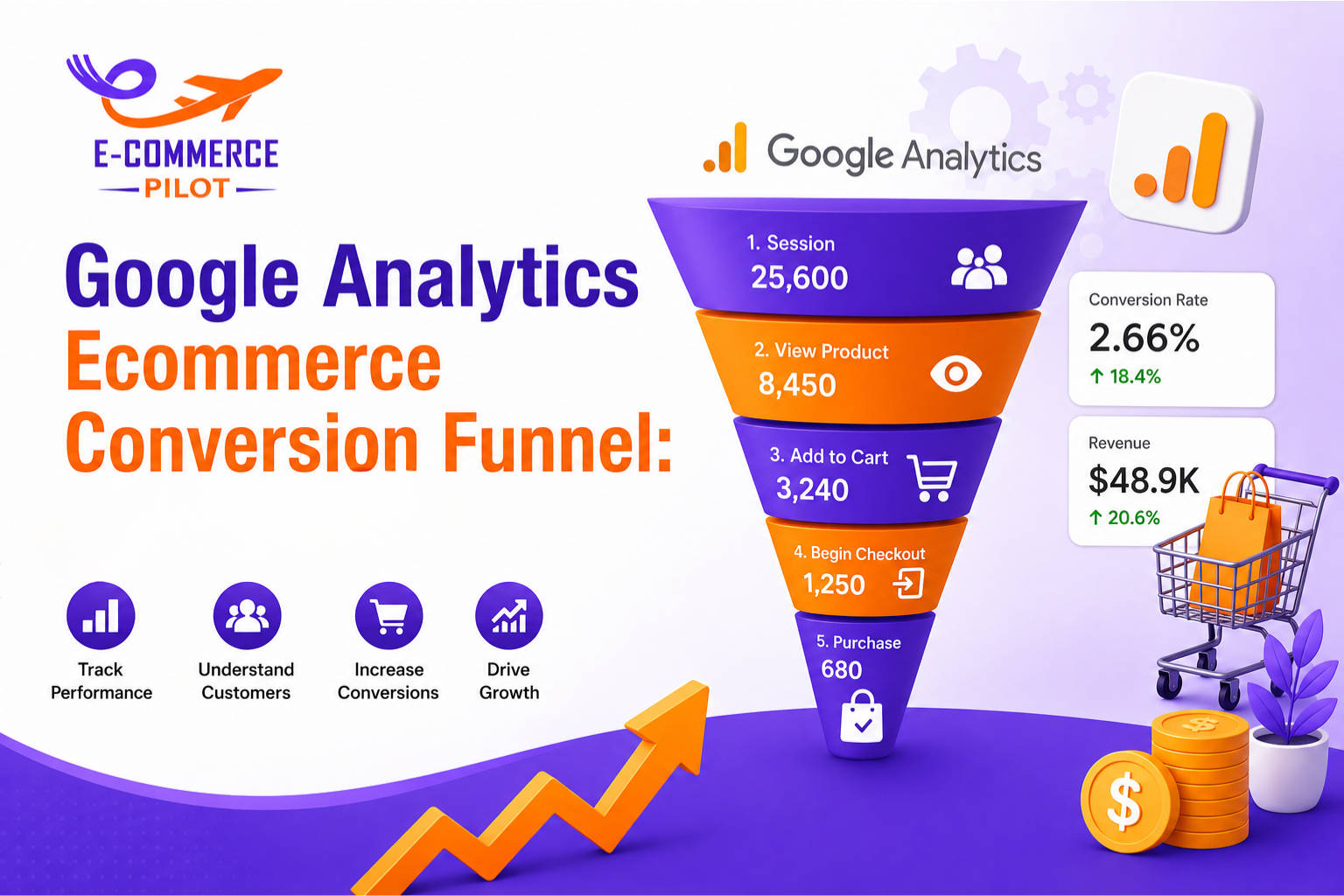
Conversion funnels visualize the customer journey from product view to purchase.
When users leave at a specific stage, you can investigate potential issues and make improvements.
Funnel Stages
- Product View
- Add to Cart
- Begin Checkout
- Payment
- Purchase
Common Reasons for Drop-Offs
- High shipping costs
- Slow page speed
- Complicated checkout
- Limited payment methods
- Unexpected fees
Finding Top-Selling Products and Categories
Product reports help identify items generating the most revenue.
These insights support inventory planning, marketing campaigns, and promotional activities.
Analyze These Factors
- Product revenue
- Quantity sold
- Product views
- Conversion rate
- Cart additions
- Refund rates
Stores can use this information to focus on products with the highest profit potential.
Audience Reports for Better Marketing Decisions
Audience reports provide demographic and behavioral information about customers.
As a result, marketers can create more relevant campaigns and personalized experiences.
Valuable Audience Data
- Location
- Device type
- Age groups
- User interests
- New vs returning visitors
- Purchase behavior
Understanding your audience helps improve targeting and campaign performance.
Using Custom Reports and Dashboards
Standard reports provide useful information. However, custom reports allow businesses to monitor specific goals.
This approach saves time and keeps important metrics easily accessible.
Examples of Custom Dashboards
- Sales performance dashboard
- Marketing ROI dashboard
- Product performance dashboard
- Customer behavior dashboard
Custom reporting improves efficiency and supports faster decision-making.
Common Google Analytics Mistakes to Avoid
Many ecommerce businesses collect data but fail to use it correctly.
Avoiding common mistakes can improve reporting accuracy and business performance.
Frequent Errors
- Incorrect tracking setup
- Ignoring conversion tracking
- Not filtering internal traffic
- Tracking vanity metrics only
- Failing to monitor reports regularly
- Making decisions without enough data
Small setup errors can create misleading reports. Therefore, regular audits are important.
Best Practices for Ecommerce Success
Following proven practices helps businesses get better results from analytics data.
Recommended Practices
- Review reports weekly
- Track conversions consistently
- Monitor traffic quality
- Test landing pages regularly
- Analyze customer journeys
- Use data-driven decisions
Google Analytics becomes more valuable when insights lead to measurable actions.
Final Thoughts
Google Analytics for Ecommerce Growth provides the information needed to understand customers, improve marketing campaigns, and increase sales. Moreover, it helps identify opportunities that may otherwise go unnoticed.
By tracking key metrics, analyzing customer behavior, and monitoring conversion funnels, ecommerce businesses can make better decisions based on real data. Therefore, companies that use analytics consistently often achieve stronger long-term results and sustainable growth.