
What will you learn?
Why User-Friendly Online Store Design Matters
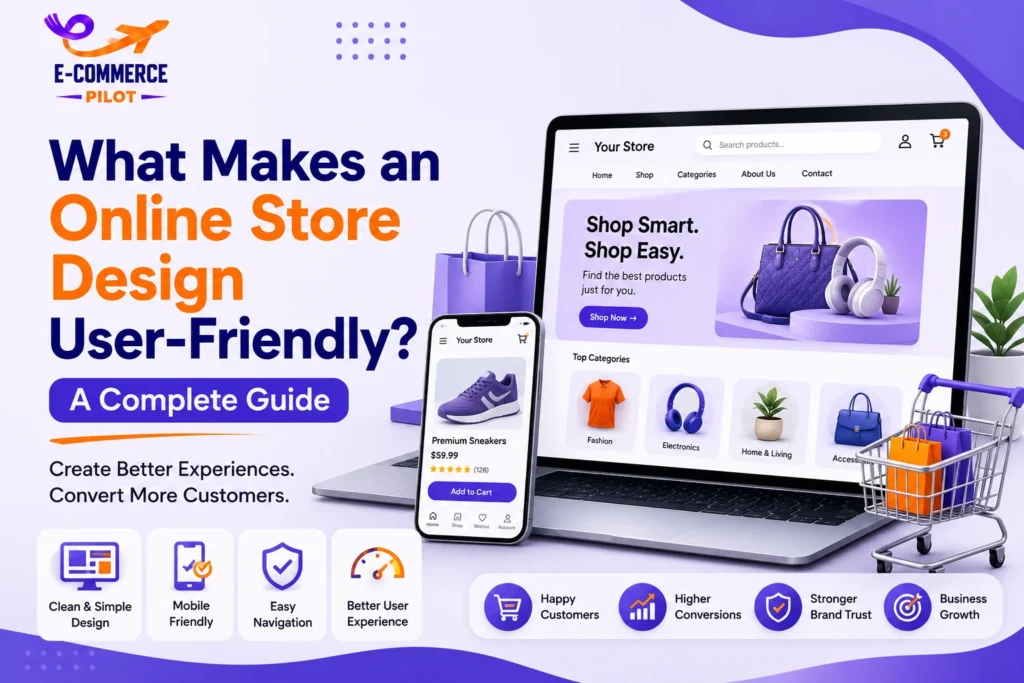
A website should help customers complete every step of their shopping journey with ease. A user-friendly online store design removes unnecessary obstacles and makes browsing products simple. Therefore, visitors spend more time exploring your store instead of struggling with navigation. In addition, a positive shopping experience builds trust and encourages customers to buy again.
Better Customer Experience
Customers expect websites that are easy to understand from the moment they arrive. Clear menus, organized product categories, and simple page layouts help visitors find what they need without wasting time. As a result, shoppers enjoy browsing your products and feel more confident while making buying decisions. A better experience also increases the chances of repeat purchases.
Higher Conversion Rates
A clean website keeps visitors focused on products instead of unnecessary distractions. Easy navigation, visible call-to-action buttons, and clear product information help customers complete purchases with fewer problems. Therefore, fewer visitors leave the website before checkout. Higher usability often leads to more sales and better business growth.
Simple Navigation Makes Shopping Easier
Navigation is one of the first things visitors notice after opening an online store. If customers cannot find products quickly, they often leave without making a purchase. Therefore, your website should provide a clear path from the homepage to every category and product page. A simple navigation system creates a better shopping experience and helps customers reach their goals without confusion.
Use Clear Menu Categories
Your menu should contain simple category names that customers understand immediately. Avoid complicated labels because they slow down browsing and create uncertainty. Group similar products together so visitors can move naturally through your store. Clear categories save time and improve customer satisfaction.
Add Breadcrumb Navigation
Breadcrumb navigation helps customers understand where they are on your website. It displays the path from the homepage to the current page, making it easier to move between categories. Therefore, visitors can return to previous pages without using the browser’s back button. This small feature improves usability while also helping search engines understand your website structure.
Include a Visible Search Bar
Many shoppers prefer using the search function instead of browsing multiple categories. Place a search bar at the top of every page so customers can quickly find products. In addition, include search suggestions to make searching faster and more accurate. A visible search feature saves time and improves the overall shopping experience.
Mobile-Friendly Design Is Essential
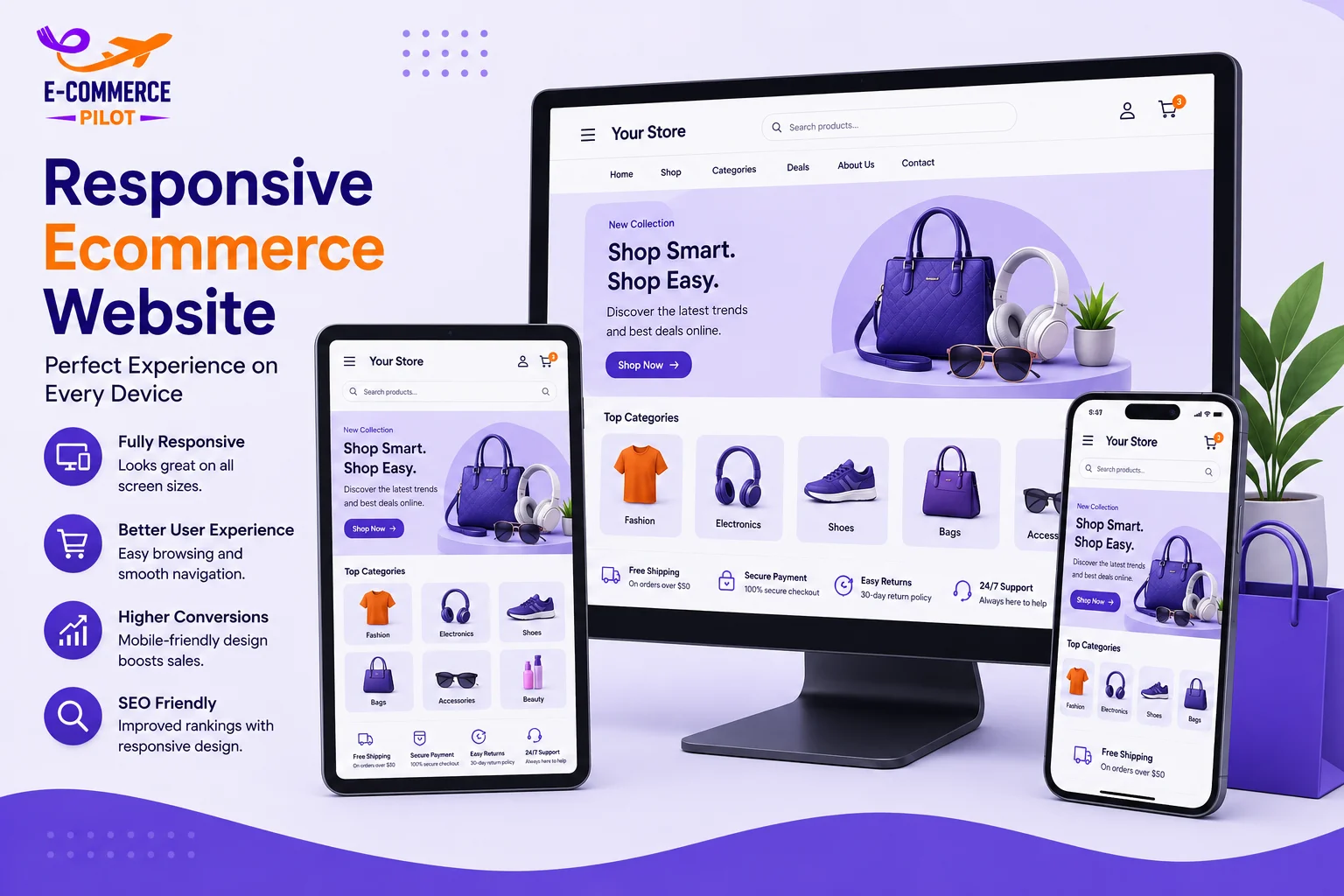
Most ecommerce traffic now comes from smartphones and tablets. Therefore, your website should provide the same smooth experience on every screen size. A user-friendly online store design automatically adjusts its layout so customers can browse products without difficulty. Mobile-friendly websites improve customer satisfaction, reduce bounce rates, and support better search engine rankings.
Responsive Layout
A responsive website automatically adjusts images, text, and buttons to fit different devices. Customers can browse products without zooming or scrolling sideways. This creates a comfortable shopping experience regardless of screen size. Responsive design is now an essential feature for every ecommerce business.
Easy-to-Tap Buttons
Mobile users interact with websites using their fingers instead of a mouse. Therefore, buttons should be large enough to tap comfortably without accidental clicks. Proper spacing between buttons also improves usability. Small improvements like these help customers complete tasks more easily.
Readable Content
Product descriptions should remain clear on smaller screens. Use readable fonts, short paragraphs, and enough spacing between sections. Well-organized content allows visitors to understand product information quickly. Better readability also supports informed buying decisions.
Mobile-Friendly Checkout
The checkout process should be quick and simple on mobile devices. Customers should complete purchases without filling out long forms or dealing with confusing layouts. Easy payment options and fewer checkout steps reduce cart abandonment. Consequently, more shoppers complete their orders successfully.
Clear Product Pages Increase Buyer Confidence
Product pages are where customers decide whether to buy or leave your website. Every product page should provide complete, accurate, and easy-to-read information. Therefore, customers can make informed decisions without searching elsewhere. A user-friendly online store design always includes product pages that answer common questions and build confidence before checkout.
High-Quality Product Images
Customers cannot touch or test products while shopping online. Therefore, high-quality images from different angles help them understand exactly what they are purchasing. Zoom functionality and close-up views also allow shoppers to inspect important details. Better product images reduce uncertainty and often lead to higher conversion rates while lowering product returns.
Detailed Product Descriptions
Product descriptions should clearly explain the product’s features, specifications, size, material, and benefits. Keep the content simple and avoid technical terms that customers may not understand. In addition, organize information into short paragraphs or bullet points to improve readability. Well-written descriptions answer customer questions before they contact your support team.
Customer Reviews
Customer reviews provide valuable social proof for new visitors. Positive reviews show that previous buyers were satisfied with the product and service. At the same time, honest feedback increases credibility because customers trust real experiences. Therefore, displaying ratings and reviews encourages more people to complete their purchases.
Simple Checkout Process Reduces Cart Abandonment
Many customers add products to their shopping cart but leave before completing the purchase. A complicated or lengthy checkout process is one of the main reasons for cart abandonment. Therefore, simplifying every checkout step helps customers complete orders faster. A user-friendly online store design removes unnecessary barriers and creates a smooth buying experience from start to finish.
Guest Checkout
Many shoppers do not want to create an account before placing an order. Guest checkout allows them to complete their purchase immediately without unnecessary delays. This saves time and removes one of the biggest reasons customers leave during checkout. After the purchase, you can still offer account creation for future convenience.
Multiple Payment Methods
Customers have different payment preferences depending on their location and comfort level. Therefore, your online store should support credit cards, debit cards, digital wallets, and other secure payment options. Offering multiple payment methods increases convenience and helps customers complete purchases with confidence. Flexible payment options also improve customer satisfaction.
Short Checkout Forms
Only ask for the information needed to process the order. Long checkout forms increase frustration and slow the buying process. Keep each step simple by reducing unnecessary fields and using auto-fill whenever possible. A shorter checkout process helps reduce cart abandonment and improves conversions.
Conclusion
A user-friendly online store design helps customers browse products, compare options, and complete purchases with confidence. Clear navigation, responsive layouts, fast loading pages, detailed product information, secure checkout, and consistent branding all contribute to a better shopping experience. In addition, accessibility features and simple website structure improve usability for every visitor. By following these best practices, you can build customer trust, reduce cart abandonment, improve search visibility, and increase online sales over time.
Create a user-friendly online store that attracts more customers and increases sales. Contact our ecommerce experts today and let us build a website designed for growth and long-term success.