
What will you learn?
Why Google Search Console Matters for Every Business
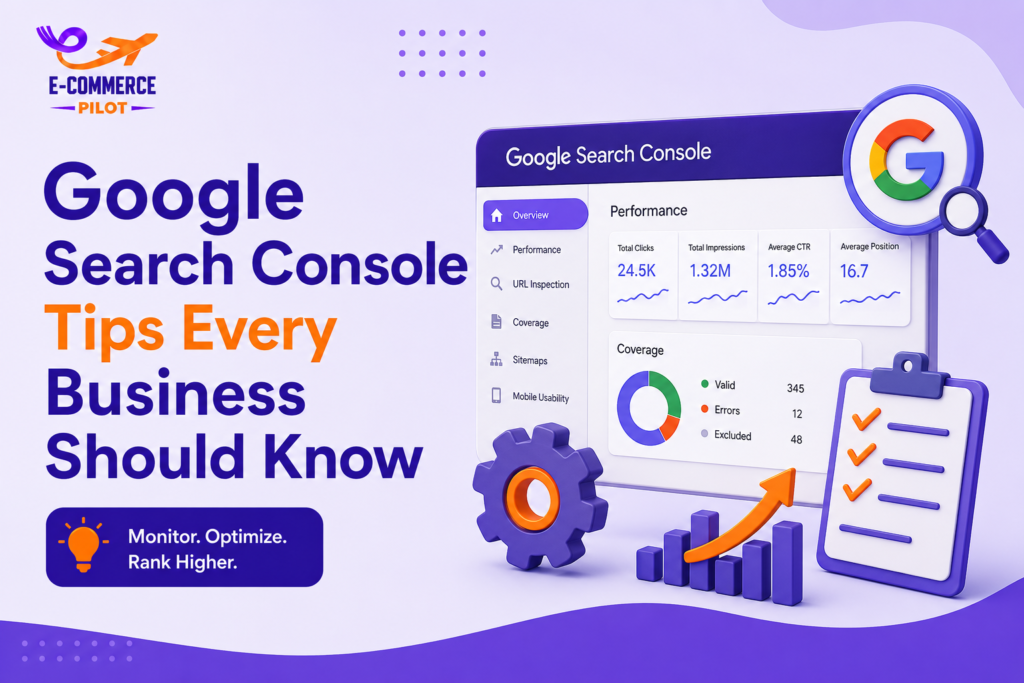
Google Search Console gives website owners direct information from Google about their site’s performance. It helps you identify indexing problems, monitor keyword rankings, and understand how users find your pages. As a result, you can make informed SEO decisions instead of relying on guesswork. Regular monitoring also helps prevent small issues from becoming larger problems.
Understand How Google Sees Your Website
Google Search Console shows whether your pages are indexed correctly and alerts you if Google cannot crawl certain URLs. It also reports coverage issues and indexing status for every important page. Reviewing these reports regularly helps keep your content available in search results. Consequently, your website remains easier for potential customers to find.
Verify Your Website the Right Way
Website verification is the first step before using Search Console. Once your website is verified, Google begins collecting valuable information about its performance. Different verification methods are available, so businesses should choose the one that best matches their platform. Keeping verification active also ensures continuous access to reports and notifications.
Choose the Best Verification Method
Google allows verification through DNS records, HTML files, Google Analytics, or Google Tag Manager. Each method is reliable, although DNS verification is often recommended for complete domain tracking. After verification, check that your property appears correctly inside Search Console. This ensures all website data is collected properly.
Google Search Console Tips for Monitoring Search Performance
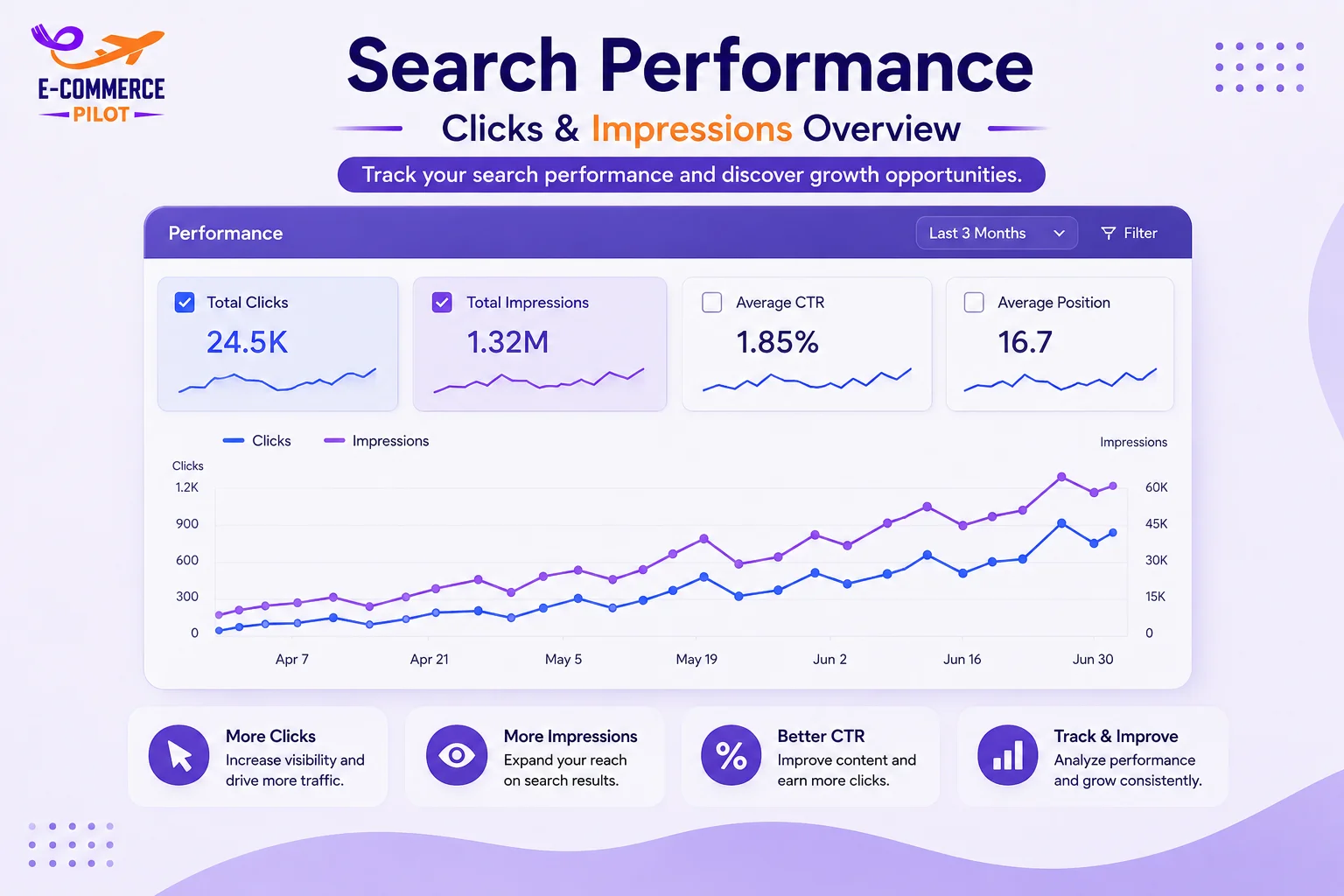
Monitoring search performance helps businesses understand how customers find their websites. Search Console reports show keyword rankings, impressions, clicks, and click-through rates. Therefore, reviewing these reports every week helps identify opportunities to improve content. Regular monitoring also allows you to respond quickly if rankings begin to decline.
Analyze Clicks, Impressions, and Average Position
Clicks show how many users visited your website, while impressions indicate how often your pages appeared in search results. Average position shows where your pages rank for different keywords. Together, these metrics help measure SEO success. They also highlight pages that deserve additional optimization.
Find Pages with Low Click-Through Rates
Some pages receive many impressions but very few clicks. In most cases, better page titles and meta descriptions can improve click-through rates. Additionally, matching user search intent increases the likelihood of attracting more visitors. Even small improvements often lead to noticeable traffic growth.
Fix Indexing Problems Quickly
Pages that are not indexed cannot appear in Google Search. Fortunately, Search Console clearly reports indexing issues and explains why pages are excluded. Fixing these problems helps Google crawl your content more efficiently. It also improves the chances of your pages appearing in relevant searches.
Use the URL Inspection Tool
The URL Inspection Tool checks whether a page is indexed and available in Google Search. It also reports crawl status and identifies issues affecting visibility. After updating important pages, request indexing to encourage Google to review them sooner. Although indexing takes time, this request can speed up the process.
Improve Mobile Usability
Most users visit websites from smartphones, so mobile usability directly affects SEO performance. Search Console reports mobile issues that may reduce user satisfaction. Fixing these problems creates a smoother browsing experience and supports better search rankings. Businesses should review these reports after every major website update.
Fix Mobile Usability Errors
Common issues include small text, clickable elements placed too closely, and pages that do not fit smaller screens. Search Console highlights these problems so they can be corrected quickly. A responsive website design usually resolves most mobile usability concerns. As a result, visitors can navigate your website more comfortably.
Review Important Landing Pages
Test your most valuable pages on different mobile devices to confirm they work correctly. Check forms, menus, buttons, and images after every website update. Regular testing helps maintain a consistent user experience across all screen sizes. It also reduces the risk of losing potential customers because of mobile issues.
Check Core Web Vitals
Core Web Vitals measure how quickly your website loads and responds to users. These reports help identify pages that provide a poor experience because of slow loading or unstable layouts. Improving these metrics benefits both visitors and search rankings. Therefore, businesses should review the report regularly and fix any issues as soon as possible.
Monitor Loading Speed
Largest Contentful Paint (LCP) measures how long the main content takes to load. Large images, slow hosting, and unnecessary code often increase loading time. Compressing images, enabling caching, and reducing unused scripts can improve page speed. Faster pages keep visitors engaged and reduce bounce rates.
Improve User Interaction
Interaction to Next Paint (INP) measures how quickly a page responds when users click or tap an element. Slow response times create frustration and reduce user satisfaction.
Submit XML Sitemaps
An XML sitemap helps Google find and crawl important pages on your website. Although Google can discover pages through internal links, submitting a sitemap makes the process more efficient. It also helps search engines notice newly published or updated content. Keeping your sitemap updated supports better indexing.
Create and Submit Your Sitemap
Most content management systems automatically create XML sitemaps. WordPress users can generate one with SEO plugins, while Shopify stores include a sitemap by default. After creating it, submit the sitemap through Google Search Console. Then monitor its status to ensure Google processes it successfully.
Find and Fix Broken Pages
Broken pages create a poor user experience and reduce SEO performance. Search Console identifies pages that return errors, making them easier to locate and repair. Fixing these problems helps visitors reach the correct information and allows Google to crawl your website more effectively.
Repair 404 Errors
A 404 error appears when a page no longer exists. If the content has moved, create a 301 redirect to the new page. If the page has been removed permanently, update internal links pointing to it. This keeps users from reaching dead ends.
Monitor Internal and External Links
Links help search engines understand how your pages connect. Google Search Console provides reports for both internal links and backlinks from other websites. Reviewing these reports helps improve website structure and identify valuable linking opportunities.
Improve Internal Linking
Link related pages naturally to help visitors find useful information. Good internal linking also distributes authority across your website and supports better indexing. Review older articles regularly and connect them to newer content where appropriate.
Use Search Console with Google Analytics
Google Search Console explains how visitors find your website, while Google Analytics shows what they do after arriving. Using both tools together provides a complete view of your SEO performance. This information helps you improve content, increase engagement, and generate better business results.
Improve Your SEO Strategy
Use Search Console reports to identify pages losing rankings. Then review Analytics reports to understand visitor behavior before updating the content. Making regular improvements keeps your website competitive and supports steady organic growth.
Common Mistakes to Avoid
Many businesses install Google Search Console but rarely review the reports. As a result, important technical issues remain unresolved for long periods. Checking reports consistently helps maintain website performance and improve search visibility.
Ignoring Coverage Reports
Coverage reports identify pages that are indexed, excluded, or returning errors. Reviewing these reports every month helps ensure your important pages remain available in Google Search.
Not Monitoring Performance Reports
Keyword rankings change over time. Therefore, review clicks, impressions, and average positions every week. Regular monitoring helps you respond quickly when performance changes.
Conclusion
Following these Google Search Console Tips helps businesses monitor website performance, fix technical issues, improve indexing, and increase organic traffic. Regularly reviewing Search Console reports allows you to make informed SEO decisions based on real data instead of assumptions. By maintaining your website and acting on these insights, you can improve search visibility, attract more visitors, and support long-term online growth.
Need professional SEO support? Our team uses proven Google Search Console strategies to fix technical issues, improve rankings, and help your business generate more organic traffic. Contact us today and let us grow your online presence.