
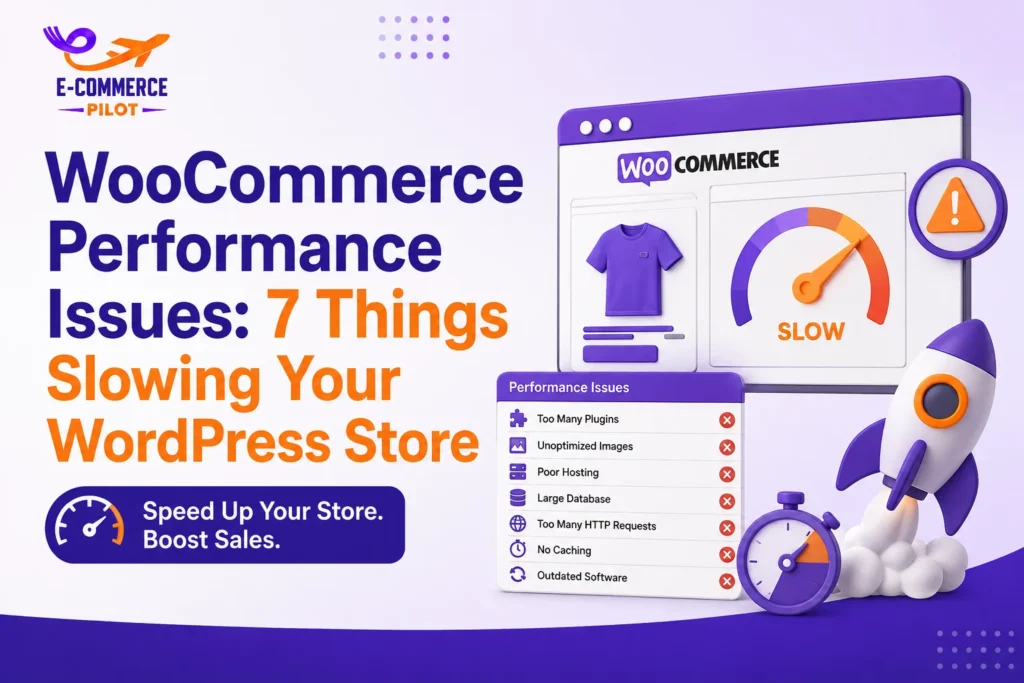
What will you learn?
Why WooCommerce Performance Matters
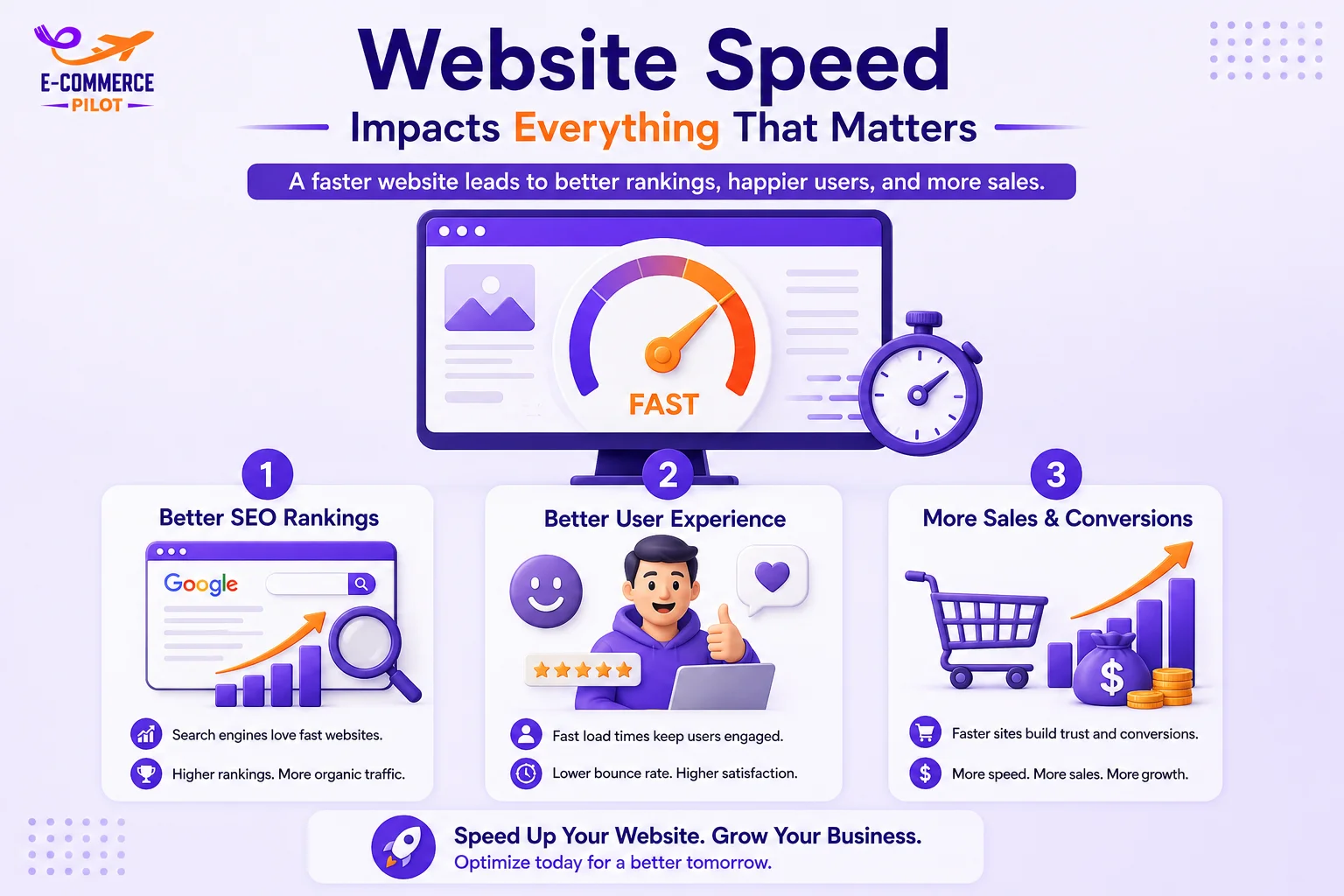
Website speed directly affects how customers interact with your online store. People usually expect a page to load within a few seconds. Therefore, even a small delay can reduce customer satisfaction and increase bounce rates. A faster store also helps visitors browse products without frustration, making it easier for them to complete a purchase.
Search engines also consider page speed when ranking websites. Consequentlydigital, a slow WooCommerce store may lose valuable organic traffic. Better performance supports higher search visibility and allows more potential customers to find your products. Therefore, improving website speed benefits both SEO and user experience.
Better User Experience
A fast website creates a positive first impression. Visitors can easily browse categories, open product pages, and complete purchases without unnecessary waiting. As a result, customers spend more time exploring your store instead of leaving after the first page.
Better Search Rankings
Google rewards websites that provide a better user experience. Faster loading pages improve important performance signals such as Core Web Vitals. Consequently, your WooCommerce store has a better chance of appearing higher in search results.
Higher Conversion Rates
Customers expect an online store to respond instantly. Slow product pages or delayed checkout often cause shoppers to leave before placing an order. Therefore, improving WooCommerce Performance can directly increase sales.
Poor Web Hosting
Your hosting provider is the foundation of your WooCommerce store. Even if your website has excellent design and high-quality products, poor hosting can slow every page. Therefore, choosing the right hosting plan is one of the most important decisions for website performance.
Shared Hosting Can Limit Performance
Shared hosting works well for small websites with low traffic. However, WooCommerce stores usually require more server resources because they process product pages, shopping carts, customer accounts, and payments at the same time.
As traffic grows, shared hosting may struggle to keep up. Consequently, customers experience slower loading pages, especially during promotions or seasonal sales.
Choose WooCommerce-Optimized Hosting
WooCommerce hosting is designed specifically for online stores. These servers include better caching, faster storage, and settings that support WooCommerce features. As a result, pages load faster while checkout remains stable.
Dedicated WooCommerce hosting also improves security and uptime. Therefore, your customers enjoy a better shopping experience without unexpected slowdowns.
Upgrade Server Resources
Growing businesses eventually outgrow their basic hosting plans. Upgrading CPU, RAM, and SSD storage allows your server to handle more visitors without performance issues.
Regularly monitoring server usage helps identify when an upgrade is needed. Therefore, your website remains fast as your business continues to grow.
Too Many Plugins
Plugins add useful features to a WooCommerce store. However, installing too many plugins can reduce website speed and create compatibility problems. Every active plugin uses server resources, loads scripts, or makes database requests. Therefore, using only the plugins you truly need helps keep your store fast and stable.
Remove Unused Plugins
Many stores keep old plugins that are no longer in use. Although they may seem harmless, these plugins still take up storage and can increase security risks. Therefore, removing unused plugins is a simple way to improve WooCommerce Performance.
Before deleting a plugin, make sure it is no longer required. Afterward, test your website to ensure everything works correctly. A clean plugin list makes your store easier to maintain.
Choose Lightweight Plugins
Some plugins perform the same job but use fewer resources. Choosing lightweight plugins reduces server requests and improves loading time. As a result, visitors can browse products more smoothly.
Before installing a new plugin, check its reviews, update history, and performance. A well-maintained plugin usually offers better compatibility and reliability.
Keep Plugins Updated
Plugin updates often include performance improvements, bug fixes, and security patches. Running outdated plugins can slow your website and increase the chance of conflicts. Therefore, update plugins regularly to maintain a healthy WooCommerce store.
It is also a good idea to remove plugins that duplicate the same functionality. Fewer plugins often result in a faster and more stable website.
Large and Unoptimized Images
High-quality product images help customers understand what they are buying. However, large image files increase page size and slow loading speed. Therefore, image optimization should be part of every WooCommerce maintenance routine.
Compress Product Images
Image compression removes unnecessary file data and reduces file size. Smaller images load much faster on desktop and mobile devices. Therefore, compressing every product image improves WooCommerce Performance.
Use Modern Image Formats
Modern formats such as WebP provide excellent image quality with much smaller file sizes. Consequently, your pages load faster without affecting product presentation.
If your hosting environment supports WebP, it is worth switching from older image formats like JPEG and PNG whenever possible.
Enable Lazy Loading
Lazy loading displays images only when visitors scroll to them. Therefore, the first part of the page loads much faster because unnecessary images are delayed.
This feature is especially useful for category pages with many products. Customers can begin browsing immediately while additional images load in the background.
No Caching System
Caching stores static website files so they do not need to be created again every time someone visits your store. Without caching, the server repeats the same work for every visitor. Consequently, page loading becomes slower.
A caching system reduces server load and improves website response time. Therefore, every WooCommerce store should use a reliable caching solution.
Heavy Themes and Page Builders
A visually attractive website is important, but heavy themes often include features that many businesses never use. These extra elements increase page size and loading time. Therefore, selecting a lightweight theme improves WooCommerce Performance.
- Choose Lightweight Themes
- Avoid Unnecessary Features
- Optimize Page Builder Settings
Database Bloat
Every WooCommerce store stores product information, customer data, orders, revisions, and temporary records inside the database. Over time, unnecessary data builds up and affects performance. Therefore, regular database maintenance is essential.
- Remove Old Revisions
- Delete Expired Transients
- Optimize Database Tables
Missing CDN
A Content Delivery Network (CDN) stores copies of your website on multiple servers around the world. Visitors receive files from the nearest location instead of your main server. Consequently, loading time improves for customers in different countries.
A CDN also reduces the workload on your hosting server. Therefore, your website remains stable even during traffic spikes..
Best Practices for Better Store Speed
Improving website speed is not a one-time task. Regular maintenance helps keep your WooCommerce store performing well over time.
Monitor website speed using trusted tools, update WordPress regularly, remove unnecessary plugins, optimize new images before uploading, and test performance after making website changes. These habits help maintain consistent speed and improve customer satisfaction.
Conclusion
WooCommerce Performance affects every part of your online store, from customer experience to search rankings and sales. By choosing better hosting, reducing unnecessary plugins, optimizing images, using caching, selecting lightweight themes, cleaning your database, and adding a CDN, you can create a faster and more reliable website. Regular maintenance will help your store continue performing well as your business grows.
Ready to speed up your WooCommerce store? Let our experts optimize your website for better performance, higher rankings, and more sales.